
Free on-site gate assessment - hinges, posts, and your LiftMaster or Nice gate operator checked before anything is quoted
The assessment is free and the quote is the invoice.
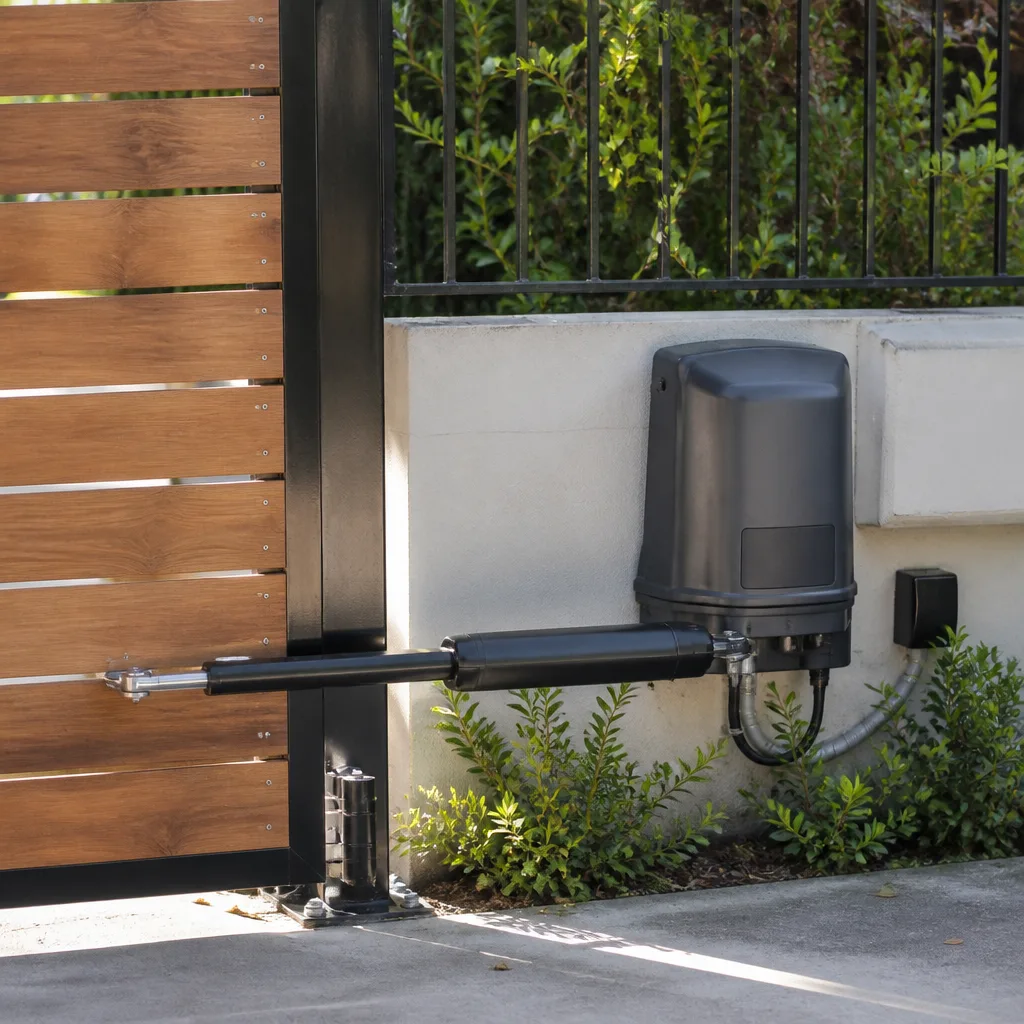
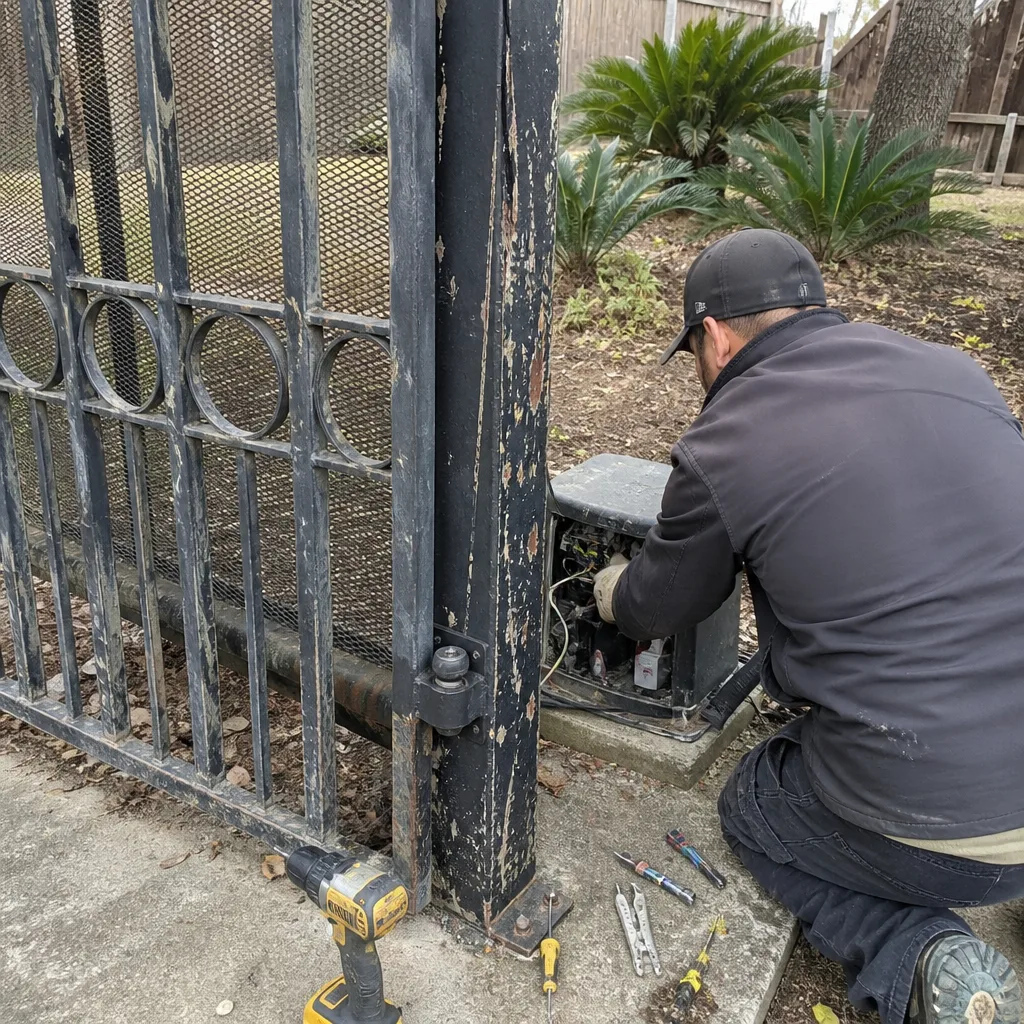 Before
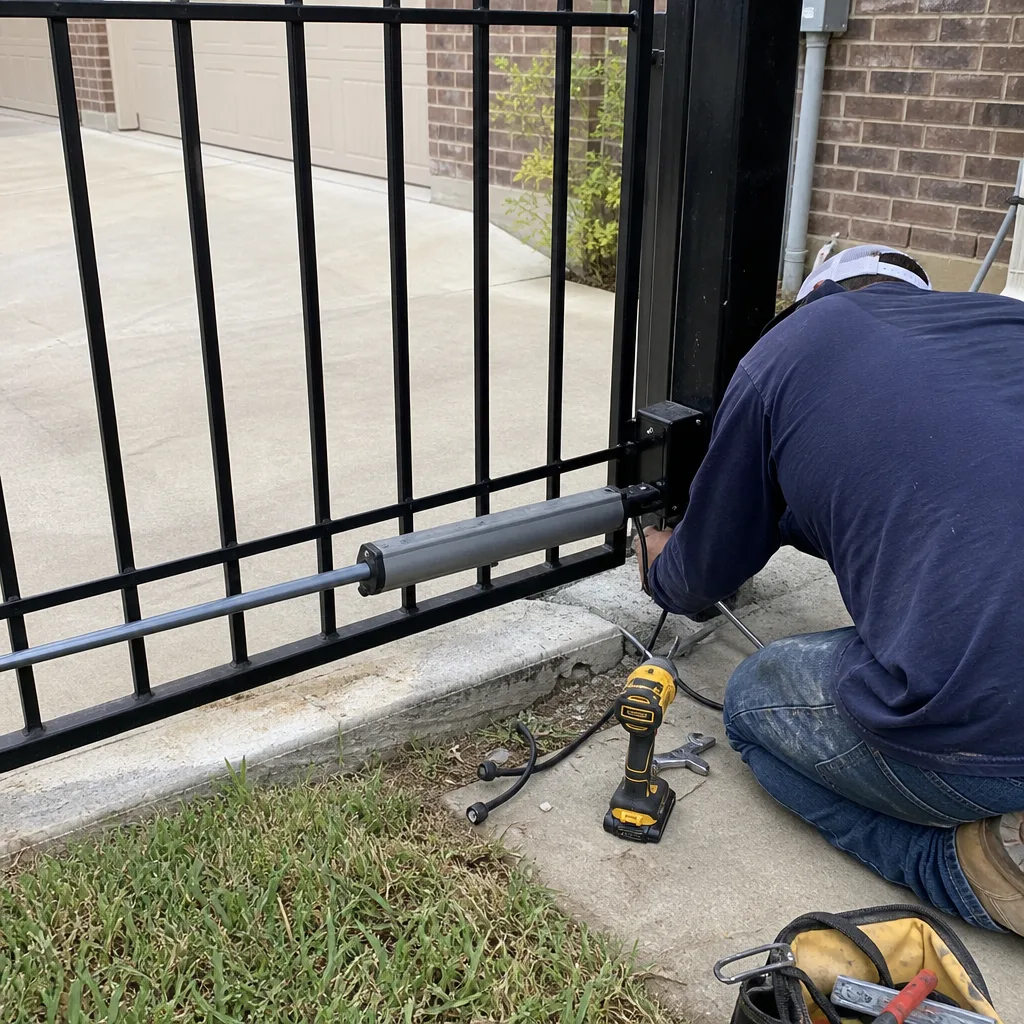 After
After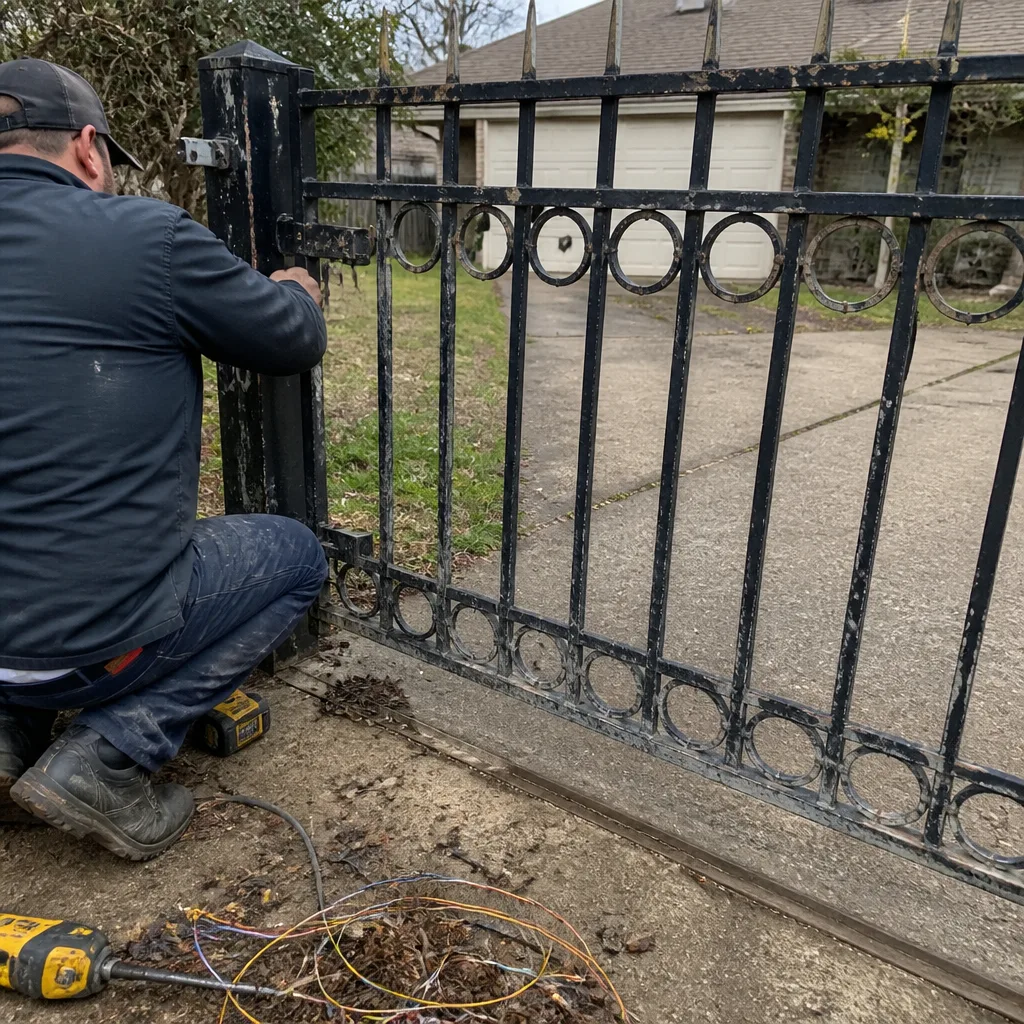 Before
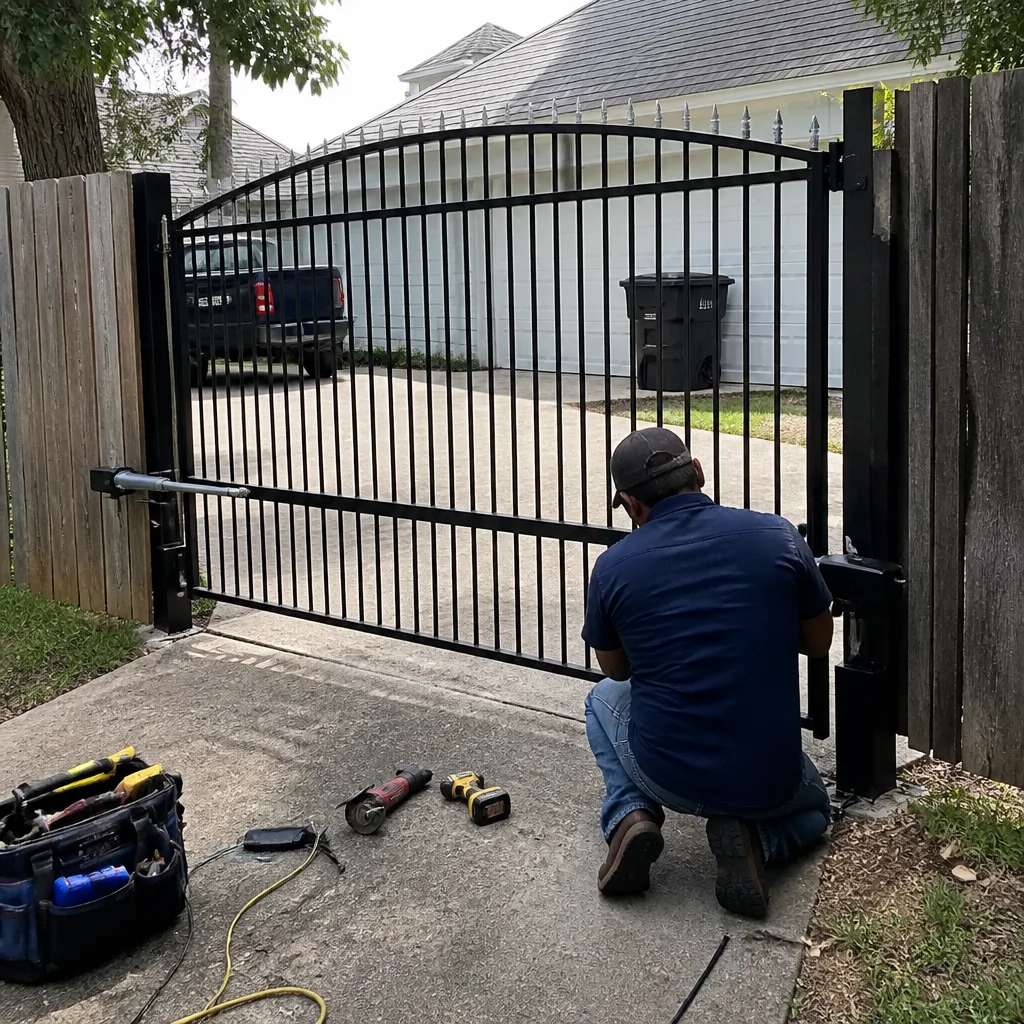 After
After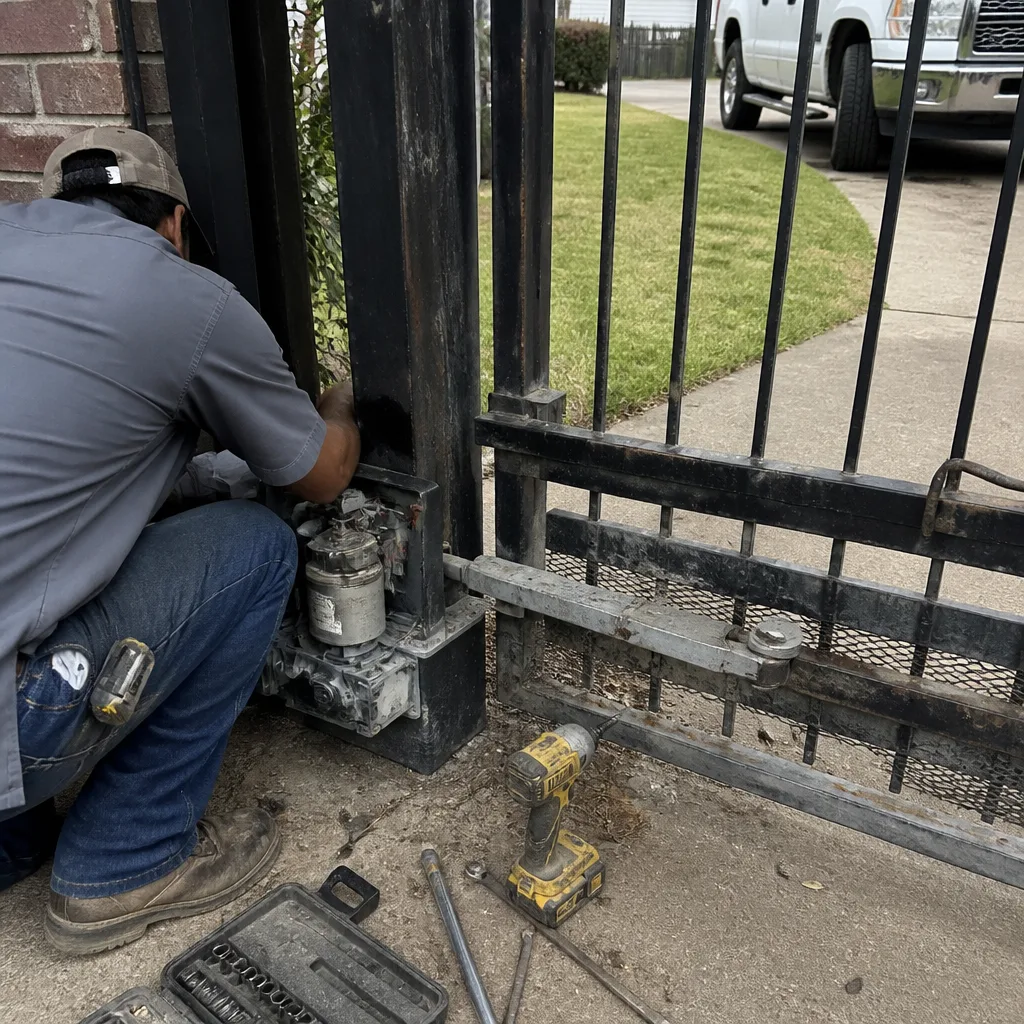 Before
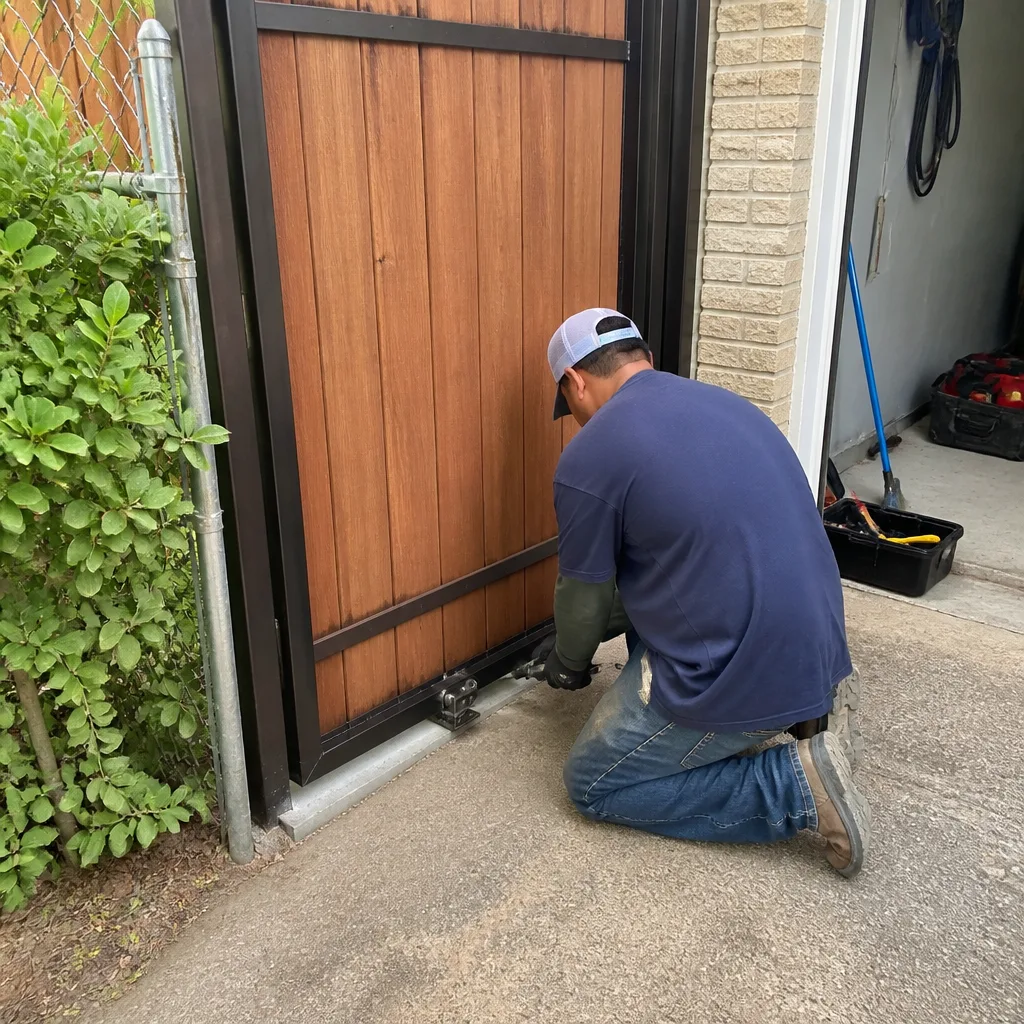 After
AfterDoorKing Access Control Installation: The Baytown Owner’s Guide
DoorKing access control installation in Baytown typically runs $380 to $1,150 installed, depending on whether we’re replacing a failed board, swapping a keypad, or adding a full telephone entry system. Most parts are on our truck or available same week, and the flat price is written down before we touch anything. Here’s the situation we usually walk into in Baytown: the keypad still beeps, but the gate won’t move, or the board shows power yet nothing responds at the relay. That’s the access control talking to you, and it’s usually a $400 repair, not a $4,000 gate replacement.
Key Takeaways
- We stock DoorKing-compatible control boards, keypads, card readers, and loop detectors, and install them the same visit in most cases.
- Installed cost is written before work starts: parts, labor, and any programming are all on the quote.
- The 365-Day Done Right Promise covers every DoorKing access control installation we complete in Baytown.
- Live person answers at (346) 315-4812, 24 hours a day, every day. Not a callback queue.
Which DoorKing Models This Applies To
We service the DoorKing models most common in Baytown driveways and small commercial properties: the 1812 series telephone entry, the 1802 and 183x telephone entry and access control systems, the 6002 and 6003 slide gate operators with their integrated control boards, and the 9150 series keypads. The compatibility gotcha that catches most owners is this: a DoorKing 1812 keypad is not interchangeable with the 9150 series, even though they look nearly identical from the front. The wiring harness and mounting pattern are different, and forcing one onto the other cooks the ribbon cable in about two days. We’ve seen it more than once on gates near the Baytown Nature Center corridor.
Identifying your exact part is usually faster than owners expect. The model number is printed on the circuit board itself, not just the housing. If the housing says 1812 but the board is stamped 1812-080, that tells us the board revision and whether it takes the older transformer or the newer switching power supply. For DoorKing specifically, we default to OEM boards rather than aftermarket equivalents unless the customer asks otherwise. The aftermarket boards work, but DoorKing’s revisions include changes to surge protection that matter in Baytown’s storm season, and we’d rather install a part that matches the system’s original protection rating.
Signs Your DoorKing Access Control Installation Is Failing
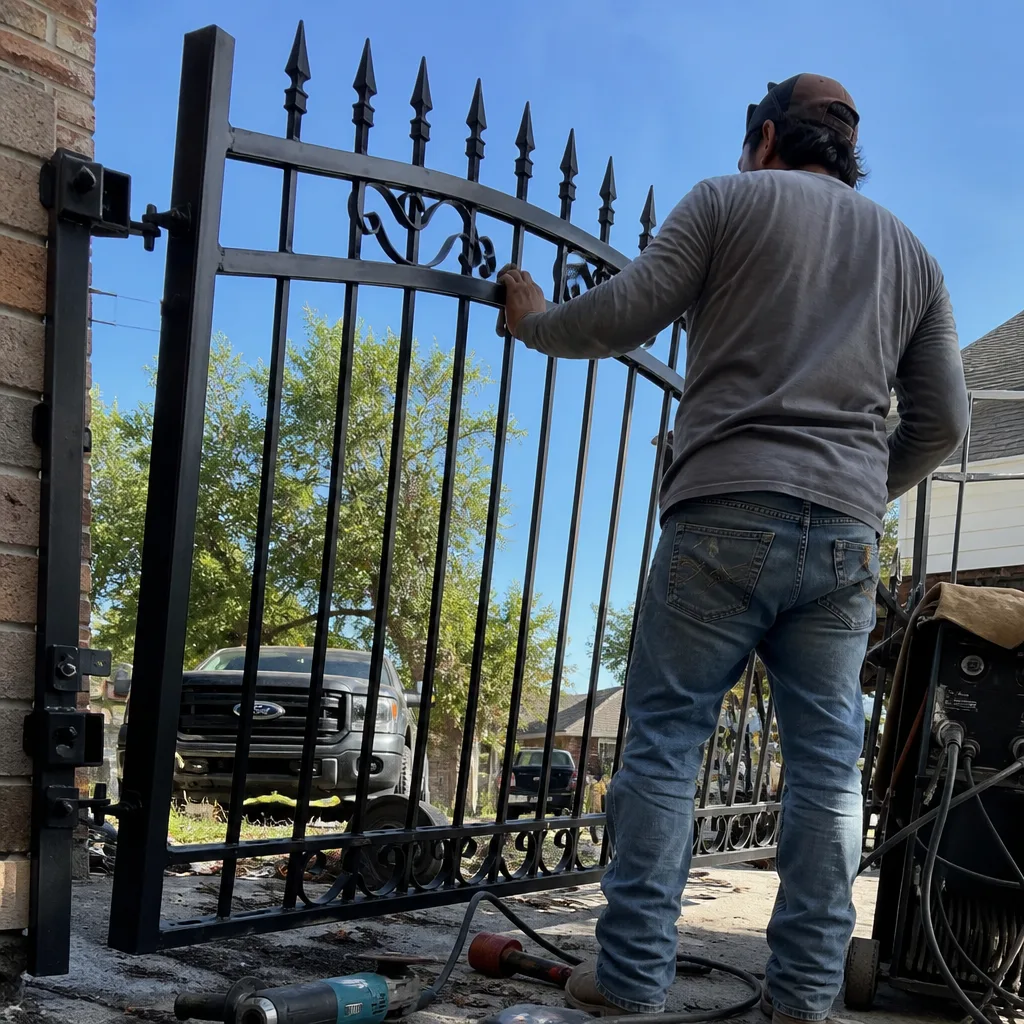
- The keypad lights up and beeps, but the gate won’t move. This usually points to the relay or the output that fires the gate operator. The keypad can be perfectly fine while the control board output has failed. A technician who assumes it’s the keypad and swaps only that part leaves you with the same problem and a lighter wallet.
- You can open the gate from inside but not from the keypad outside. When the interior push button works and the exterior DoorKing keypad doesn’t, the problem is almost always in the keypad itself or its wiring, not the gate operator. Baytown’s humidity gets behind weathered keypad faces and corrodes the contacts.
- After a storm, the screen flickers or the keypad resets. A damaged power supply or compromised surge protection causes this. DoorKing boards have onboard surge protection, but Baytown lightning strikes can exceed what any board handles, and the power supply usually sacrifices itself first.
- The call button for telephone entry rings once and drops. This is typically the phone line interface on the board or a failing Telco surge protector, not your phone provider. If your home phone line works fine otherwise, the DoorKing side is the likely culprit.
- Card readers or transmitters work intermittently. Intermittent reads often come from the antenna connection or a failing reader rather than the tags themselves. If one fob works and another doesn’t, it’s usually programming. If all fobs are flaky, that’s hardware.
BeforeAfterReplacement Cost & What’s Included
Here’s what we tell Baytown owners before we open a panel:
| DoorKing Access Control Job | Installed Price Range (Baytown) |
|---|---|
| Replacement keypad (9150 series, single unit) | $380 - $540 |
| Control board replacement (1812 / 183x series) | $520 - $870 |
| Full keypad and board package (both failed) | $720 - $1,150 |
| Telephone entry system installation (1812, new) | $980 - $1,400 |
The range depends on whether existing wiring is intact, whether the mounting post and gooseneck survive the swap, and which board revision your system needs. Every quote includes the part, labor, programming, and a photo log of the installation. No surprises on the invoice, ever. That’s Haven Standard Clause 1: the written price is in your hand before the first tool comes off the truck. And every DoorKing access control installation carries the 365-Day Done Right Promise, a full year for us to make any repair right at no additional charge.
DIY or Call Us?
DoorKing access control involves low-voltage wiring, and that’s the good news for safety. You’re not dealing with line voltage or high-tension springs the way you are with gate motor springs. But you are dealing with a board that costs $300 to $800 if wired wrong, and the wiring mistake that kills a DoorKing board is connecting power to the wrong terminal. One crossed wire and the board is dead before you can unplug it. Adrian Vance grew up in New York City and got his technical footing at Apex Technical School in Queens before access-control work pulled him south into the Houston area, and the habit he carried from commercial sites is clear: we write down what we found before we touch anything. If you’re comfortable with a multimeter and you’ve already identified the board revision, you can check fuses and wiring continuity safely. If you’re not certain which terminal is which, the cheaper route is (346) 315-4812. A wrong guess costs more than our service call.
FAQs
A DoorKing control board in Baytown typically lasts 7 to 12 years, with the lower end common near salt air and storm surge from the bay, which accelerates corrosion on unprotected boards. Coastal humidity plus lightning-driven power spikes shorten that lifespan meaningfully. A board with adequate surge protection and a weather-sealed enclosure will outlast one exposed to the elements. Call (346) 315-4812 and we can inspect your board’s condition and tell you where it sits in its lifespan.
Sometimes yes, specifically when the failure is a blown fuse, a replaceable relay, or a corroded connection rather than a fried logic chip or burned traces. We evaluate the board before recommending replacement, because a $40 relay beats an $800 board when the board itself is sound. If the board shows burned traces or a failed processor, replacement is the honest call, and we’ll show you the photo evidence of why. Estimates and the second opinion are free when you bring us the board or photos.
Most single-part swaps (keypad or board) run 60 to 90 minutes on site for a Baytown residential gate, with programming and testing included in that window. A new telephone entry system with new wiring and mounting hardware can run 2 to 3 hours. We’ll give you a written time window and a written price before the work starts, so you know both numbers upfront. Call (346) 315-4812 to schedule.
We stock DoorKing-compatible keypads, control boards for the 1812 and 183x series, card readers, and loop detectors on our service trucks, plus parts for LiftMaster, Mighty Mule, and Ghost Controls. If a specific DoorKing part isn’t on the truck, we source it same week and quote the full installed price before ordering. One phone call confirms whether your part is on the shelf today.
Written by Adrian Vance, Owner, Vance Gate Repair Baytown at Vance Gate Repair Baytown, serving Baytown and nearby areas.