
Free on-site gate assessment - hinges, posts, and your LiftMaster or Nice gate operator checked before anything is quoted
The assessment is free and the quote is the invoice.
 Before
 After
After Before
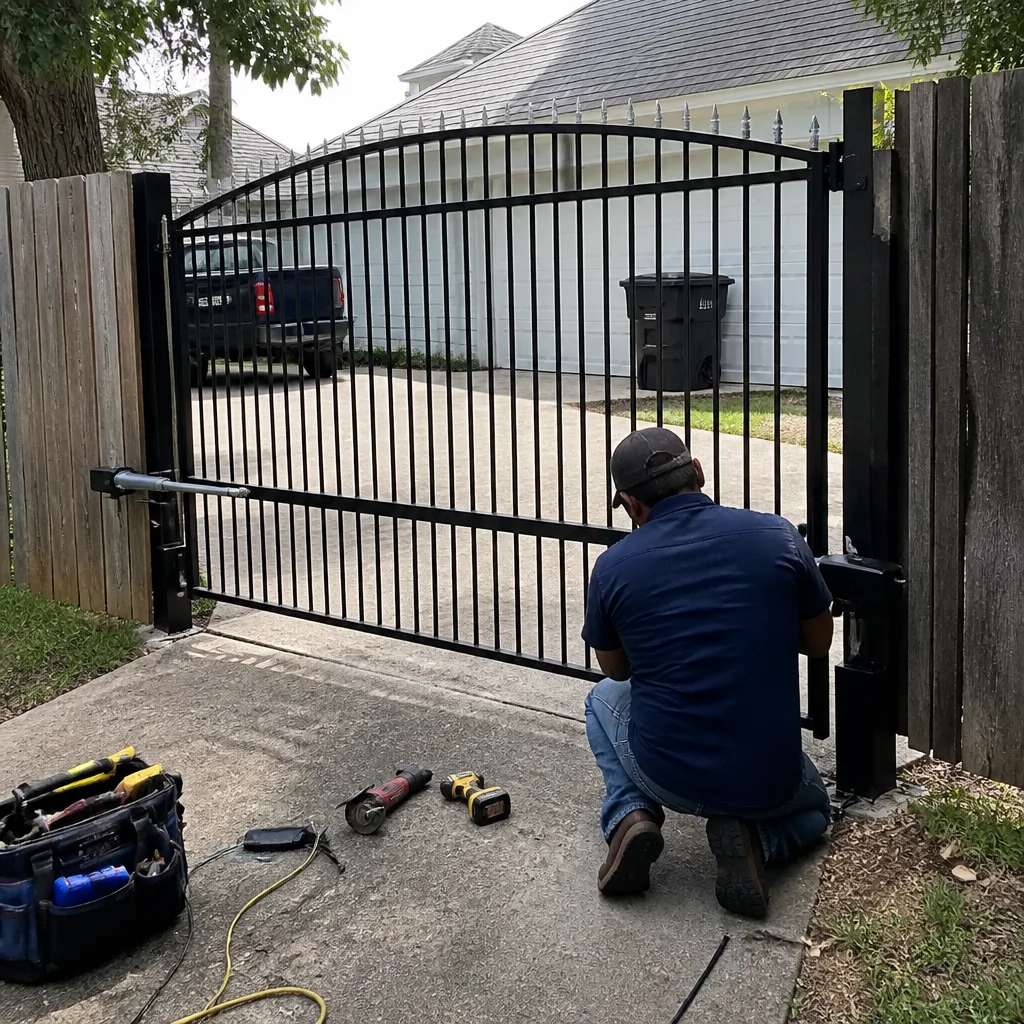 After
After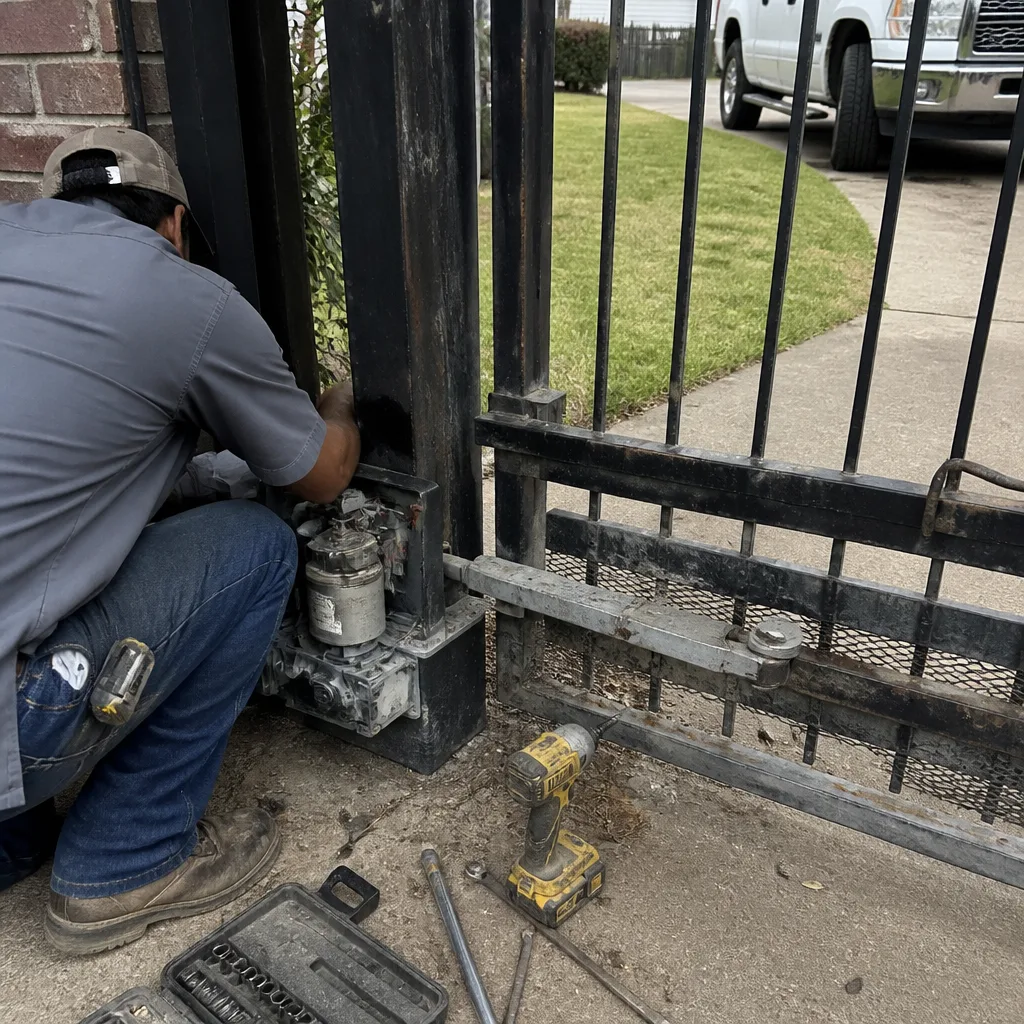 Before
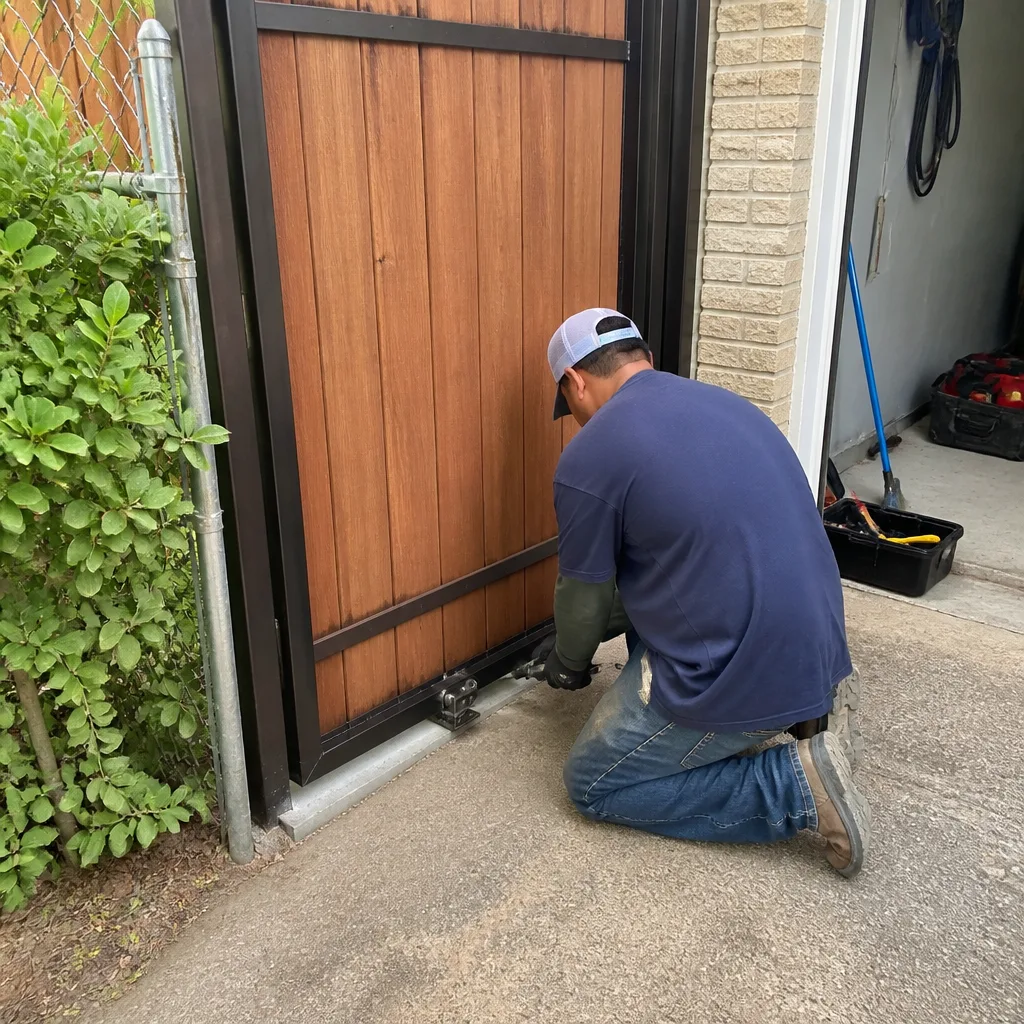 After
AfterElite Access Control Installation: The Baytown Owner’s Guide
We install and replace Elite access control systems in Baytown every week, and a full installation with new keypad or card reader, controller board, and programming typically runs $650 to $1,400 depending on how many entry points you’re wiring and whether we’re pulling new low-voltage cable. Most Baytown homeowners discover a problem when the keypad stops accepting codes after a storm, or when cards that worked yesterday suddenly flash red at the reader. That’s usually not the keypad itself. It’s the controller losing its programming, a corroded relay on the board, or a failed power supply that’s been cooking in a south-facing enclosure since the day it was installed. We stock the common Elite-compatible boards, keypads, and power supplies on the truck, so if your system died this morning, there’s a good chance we’re diagnosing it today and pricing it in writing before anything gets unbolted.
Key takeaways:
- Elite access control installation in Baytown runs $650-$1,400 installed, written price before work starts
- We stock Elite-compatible controllers, keypads, card readers, and power supplies in our local trucks
- Salt air near Baytown’s ship channel and bay corridors shortens board life measurably
- We are an independent installer, not affiliated with Elite, and we service other brands too
Which Elite Models This Applies To
Elite has put out several access control generations over the years, and the board revision matters more than most homeowners expect. The older Elite Micro, Elite Pro, and the SL-series standalone units use a simpler two-wire keypad protocol, while newer Elite Series 2 and network-capable controllers run four-wire Wiegand readers and want a shielded cable run. Here’s the gotcha we see often in Baytown: someone buys a Series 2 keypad online to replace a dead Micro-series pad, and the wiring pinout does not match. The keypad lights up but the controller never hears it. We match the part to the board, not the brand sticker. On a service call we photograph the controller’s model tag and wire terminals before any part gets ordered, so there’s no second trip and no return shipping dance. For Elite specifically, we recommend OEM boards when the system runs a multi-door setup, because the board’s relay timing and voltage output are tuned to Elite’s readers. For a simple single-gate keypad, a quality aftermarket power supply and keypad can be entirely dependable at a lower cost, and we’ll tell you which one we’d put on our own gate.
If you’re not sure which generation you have, open the enclosure and look for the model number on the board itself, not the front of the keypad. The board tag is the truth. If you don’t want to open it, we’ll do it on the call and write it down on the record we leave behind.
Signs Your Elite Access Control Installation Is Failing
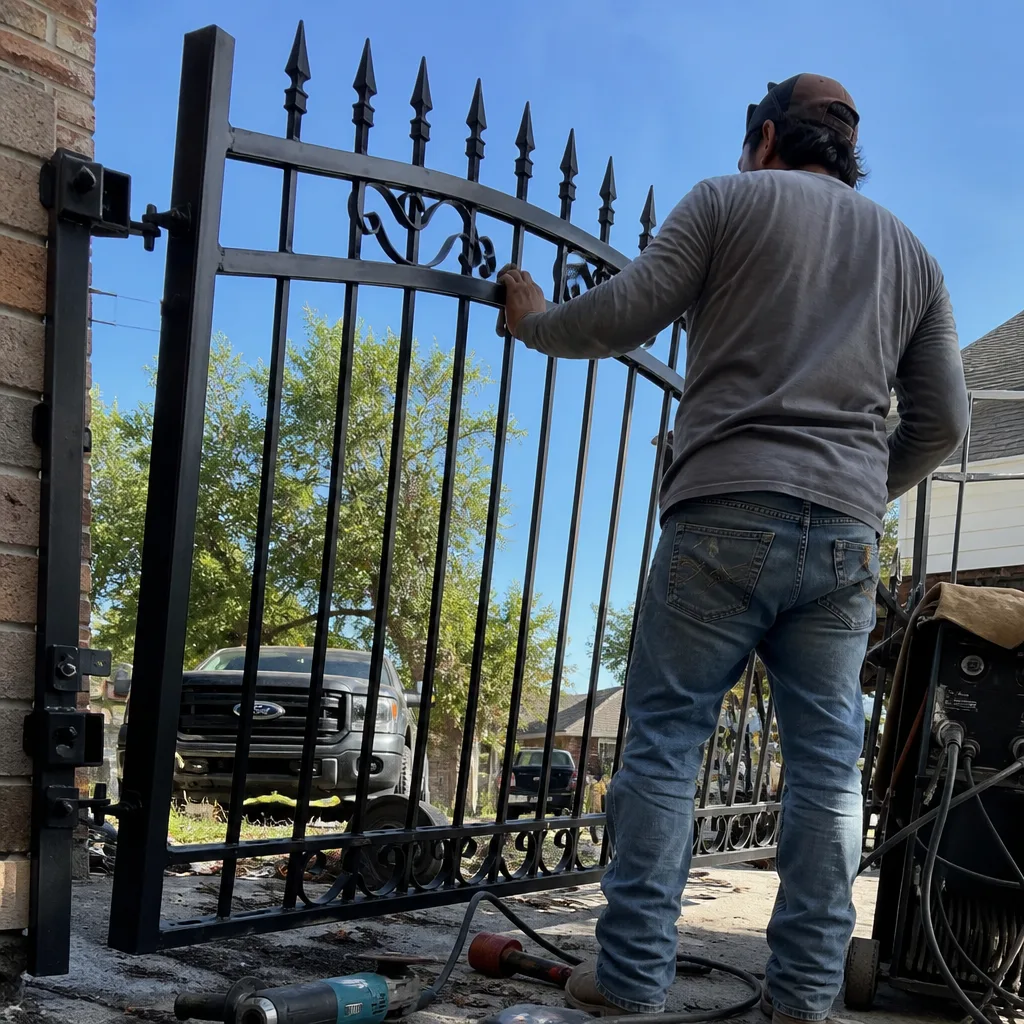
- The keypad accepts a code but the gate doesn’t move. The keypad is talking, but the controller relay is not closing. Most often it’s a fried relay on the board from a power surge, or the controller has lost its programming entirely. We test the relay with a meter before we condemn anything.
- Cards work intermittently, usually failing in the humidity after rain. Baytown’s humidity is hard on card readers with exposed electronics. Moisture gets into the reader body, the Wiegand signal degrades, and the controller reads garbage. We’ve replaced a number of readers along the Baytown Nature Center corridor where morning fog and salt air combine to punish anything not sealed properly.
- Keypad works at night but not in direct afternoon sun. That’s a classic failing display or a heat-soaked keypad membrane. A metal enclosure in a Baytown July afternoon can hit 140 degrees inside. We see it every summer.
- The whole system is dead, no lights anywhere. That’s the power supply or a blown fuse on the board. We check incoming voltage at the supply first, because sometimes the problem is in the outlet or the transformer, not the access control hardware at all.
- The gate opens on its own or stays open randomly. This one can be programmer error, a failing exit loop detector, or a shorted wire in the run. We solve it by methodic testing, not by throwing parts at it.
BeforeAfterReplacement Cost & What’s Included
For Baytown homeowners, we write the installed price before any work begins, and here’s the range we’ve been charging:
- Single keypad replacement (Elite-compatible): $180-$320 installed, depending on keypad type
- Controller board replacement: $350-$650 installed, including reprogramming and testing
- Full access control system install (keypad, controller, power, enclosure, wiring): $650-$1,400 installed
- Card reader replacement or addition: $250-$450 installed per reader
- Power supply replacement with proper enclosure sealing: $150-$280 installed
Every one of those numbers is written down and handed to you before we start. That’s Clause 1 of our Haven Standard, and it’s not negotiable internally. Included with the work: a documented photo record of what we found, what we set, and what we installed, plus a written part number log. The 365-Day Done Right Promise covers the completed work for one full year. If it’s not right, it gets made right. No argument, no fee.
DIY or Call Us?
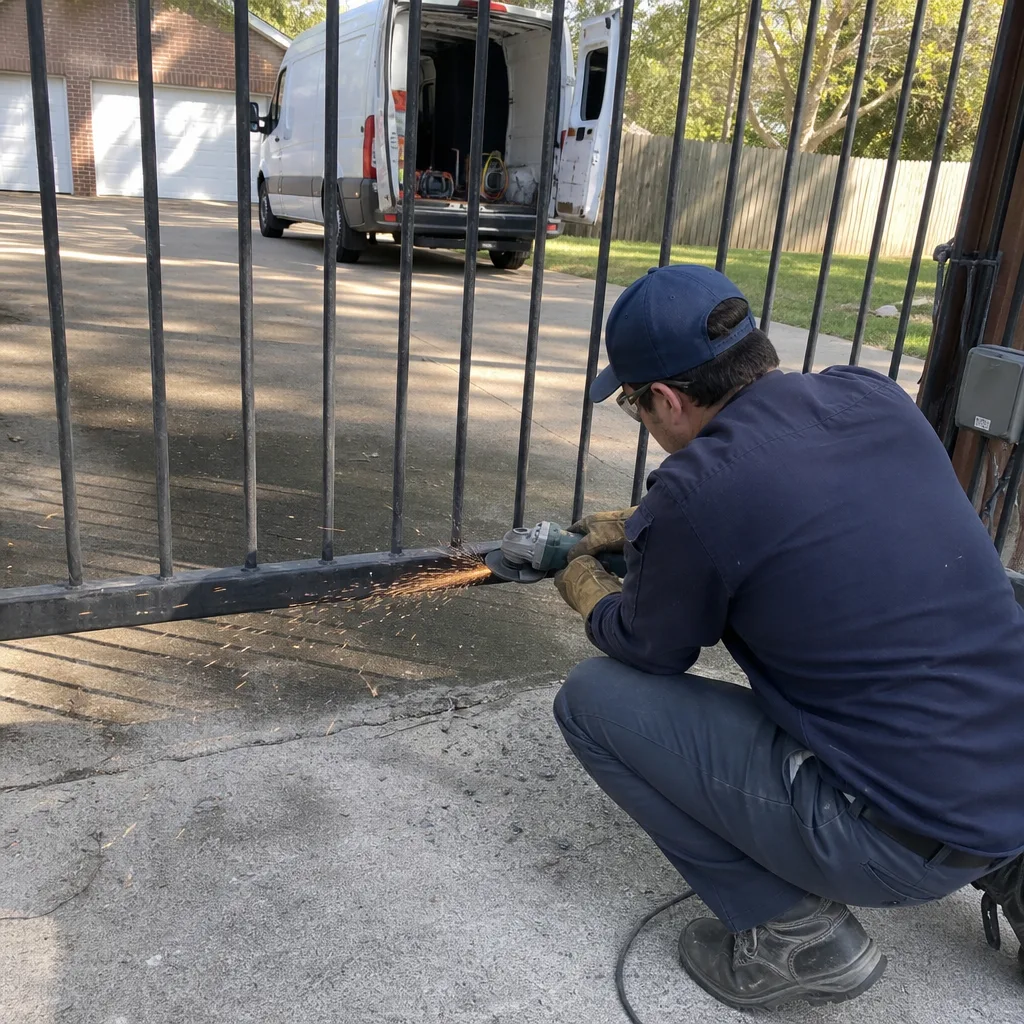
You can safely check a few things before we come: confirm power at the outlet, look for a tripped GFCI, and note whether the keypad lights at all. That’s useful information that saves time. What you should not do is open a controller enclosure and start swapping wires unless you’re certain about low-voltage wiring practices, because a mis-wired relay can fry the board you’re trying to save and leave you worse off than when you started. Access control runs on low voltage, but the equipment inside the enclosure is sensitive, and one crossed wire on a controller terminal can take out the new keypad you just bought. We’ve replaced more than one board that was killed by a well-intentioned weekend project. If you’ve already bought a part and it’s not working, call us at (346) 315-4812. We’ll come verify what you have, photograph the wiring, and tell you honestly whether the part is wrong, the wiring is wrong, or both.
FAQs
In Baytown’s heat and humidity, expect 5 to 8 years out of a controller board and 3 to 5 years out of an exposed keypad or card reader before weather takes a toll. Systems in shaded, well-sealed enclosures last longer. Systems mounted in direct Texas sun with no shade die younger. Call (346) 315-4812 for a free estimate on replacement if yours is acting up.
Often yes. A failing relay, a dead power supply, or a corroded terminal can be repaired or replaced as a component without replacing the entire system. We test before we replace, and the decision is always yours after we show you the evidence in the photo record. Call us for a straight answer with no replacement pitch.
Most single-keypad or controller swaps in Baytown are done in one visit, usually 90 minutes to 3 hours depending on the wiring condition and how much reprogramming the system needs. A full multi-reader install can take half a day. We’ll tell you the time window before we start.
We keep common Elite-compatible controllers, keypads, card readers, and power supplies stocked on our local trucks, and we can source specific boards from supply houses quickly when the job needs an exact match. We also stock parts for LiftMaster, Mighty Mule, and Ghost Controls, so if your gate operates on a different brand than your access control, we’re equipped anyway.
Written by Adrian Vance, Owner, Vance Gate Repair Baytown at Vance Gate Repair Baytown, serving Baytown and nearby areas.